

Quantum Jobs
Submit, monitor, cancel, and delete quantum jobs across multiple providers.
qBraid Quantum Jobs give Lab direct access to QPU devices from IonQ, AQT, QuEra, Rigetti, and IQM, as well as on-demand simulators from qBraid, AWS, Pasqal, Quantinuum, and more. No additional access keys required.
Open the Quantum Jobs sidebar by clicking the Jobs icon in the top-right of the Lab console.
Submit quantum jobs
You can submit quantum jobs using the qBraid-SDK in a Jupyter Notebook using the pre-configured qBraid SDK environment. First, ensure that the qbraid-sdk kernel is selected in your notebook.
Next, you can use the following code snippet to submit a quantum job to a device or simulator of your choice:
from qbraid.runtime import QbraidProvider

# See available devices
provider = QbraidProvider()
devices = provider.get_devices()
print("Available devices:")
for device in devices:
    print(device.id, device.status())

# Select a device
device = provider.get_device("aws:rigetti:qpu:cepheus-1-108q")
print("\nSelected device:", device)

# Define your quantum circuit (example using Qiskit)
from qiskit import QuantumCircuit
qc = QuantumCircuit(2)
qc.h(0)
qc.cx(0, 1)
qc.measure_all()

# Run the quantum job
job = device.run(qc, shots=1024)
print("Job ID:", job.id)

print("Job submitted successfully.")

# Wait for the job to complete
job.wait_for_final_state()

# Retrieve and print the results
result = job.result()
print("Counts: ", result.data.get_counts())
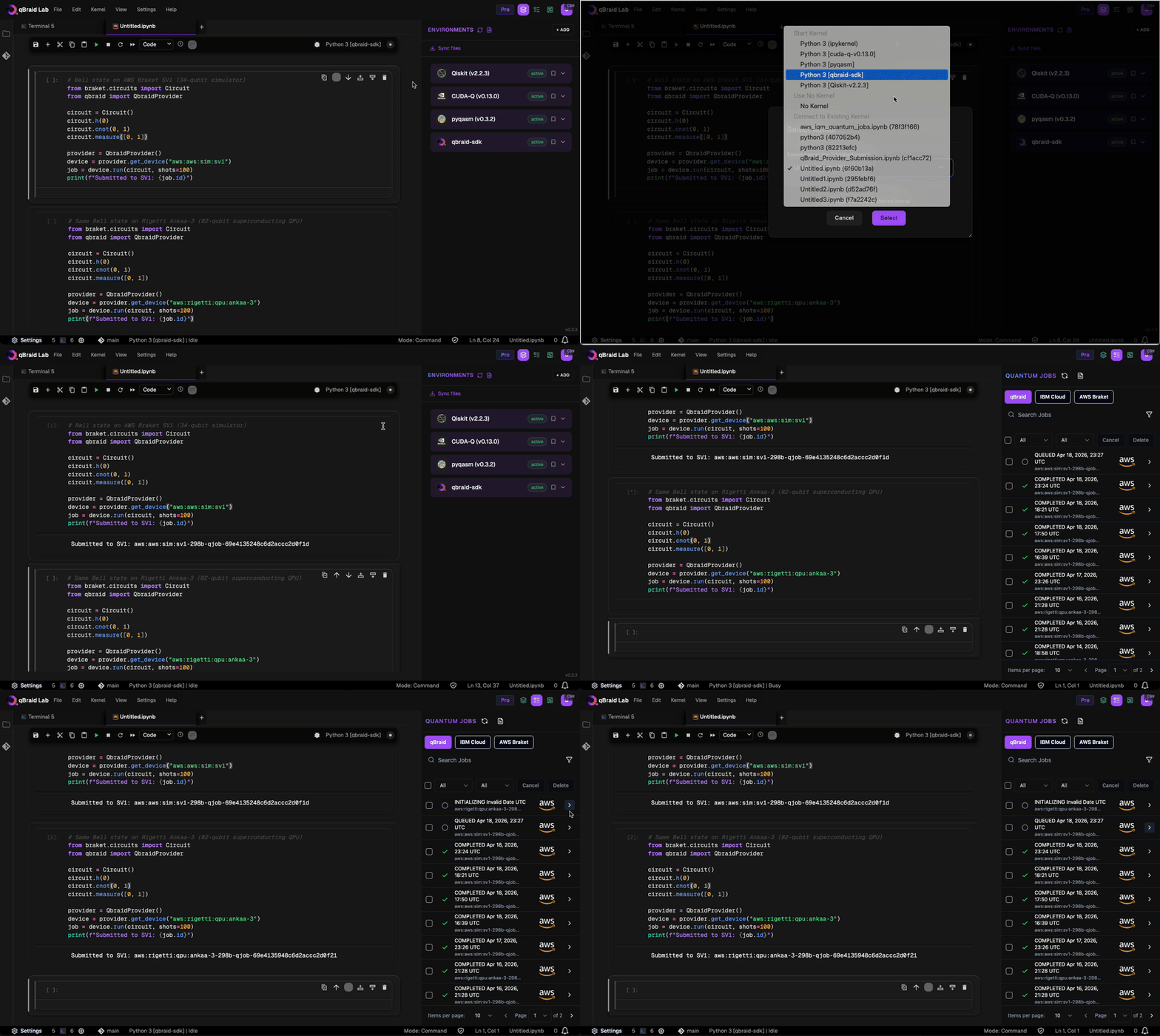
Submitted jobs appear in the Quantum Jobs sidebar where you can monitor their status in real time.
Jobs sidebar
The sidebar displays your job history with provider logos, status indicators, timestamps, and device IDs.
Provider tabs
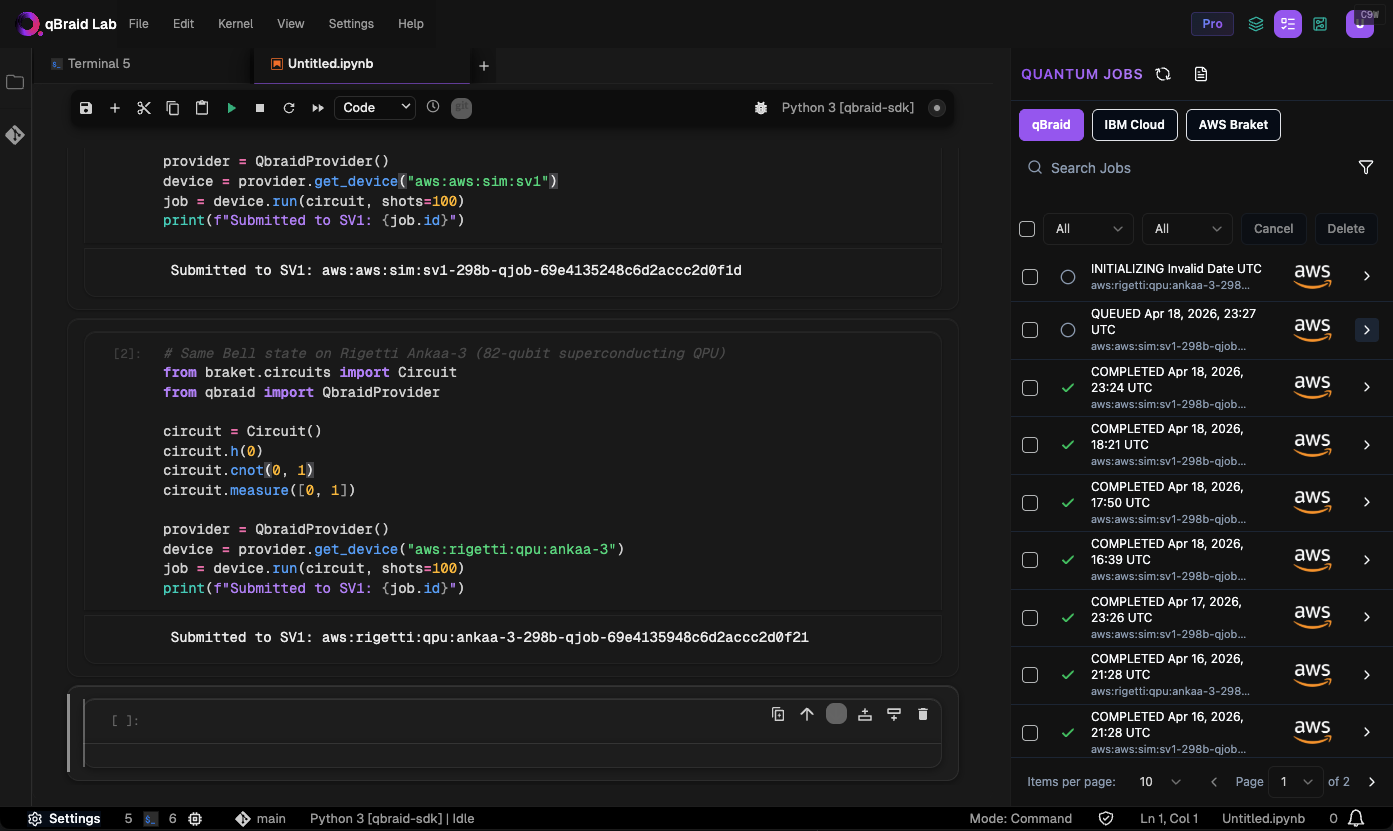
Switch between job sources using the tabs at the top of the sidebar:
- qBraid — jobs submitted to qBraid-managed devices via the SDK, REST API, or any client using qBraid as a backend. See Pricing for details.
- IBM Cloud — jobs submitted to IBM Quantum (requires your own IBM credentials)
- AWS Braket — jobs submitted through Amazon Braket (requires your own AWS credentials)
Devices and pricing
For available devices, visit Quantum Devices. For pricing details, visit Pricing.
Access to IBM QPUs requires your own IBM Cloud credentials. qBraid does not currently offer managed access to IBM QPUs.
Thanks for your feedback.