

Overview
Learn to work with qBraid APIs
The qBraid REST API provides authenticated endpoints for devices, jobs, credits, and usage. The reference pages document JSON request and response formats. The separate AI Gateway also supports streaming responses.
This API is designed for server-to-server use. Browser (cross-origin) requests are restricted to an allowlist of qBraid origins, so calling the API directly from a web page on your own domain is blocked by CORS. Call it from your backend instead, where your API key also stays out of client-side code.
OpenAPI specification
The machine-readable definition of the documented REST endpoints is available as an OpenAPI 3.1 document. Download it to generate client libraries, import the API into tools like Postman or Insomnia, or hand it to an AI agent as a compact description of the documented endpoints, parameters, and responses. Platform features outside this specification have separate guides, including the AI Gateway.
Quantum job flow
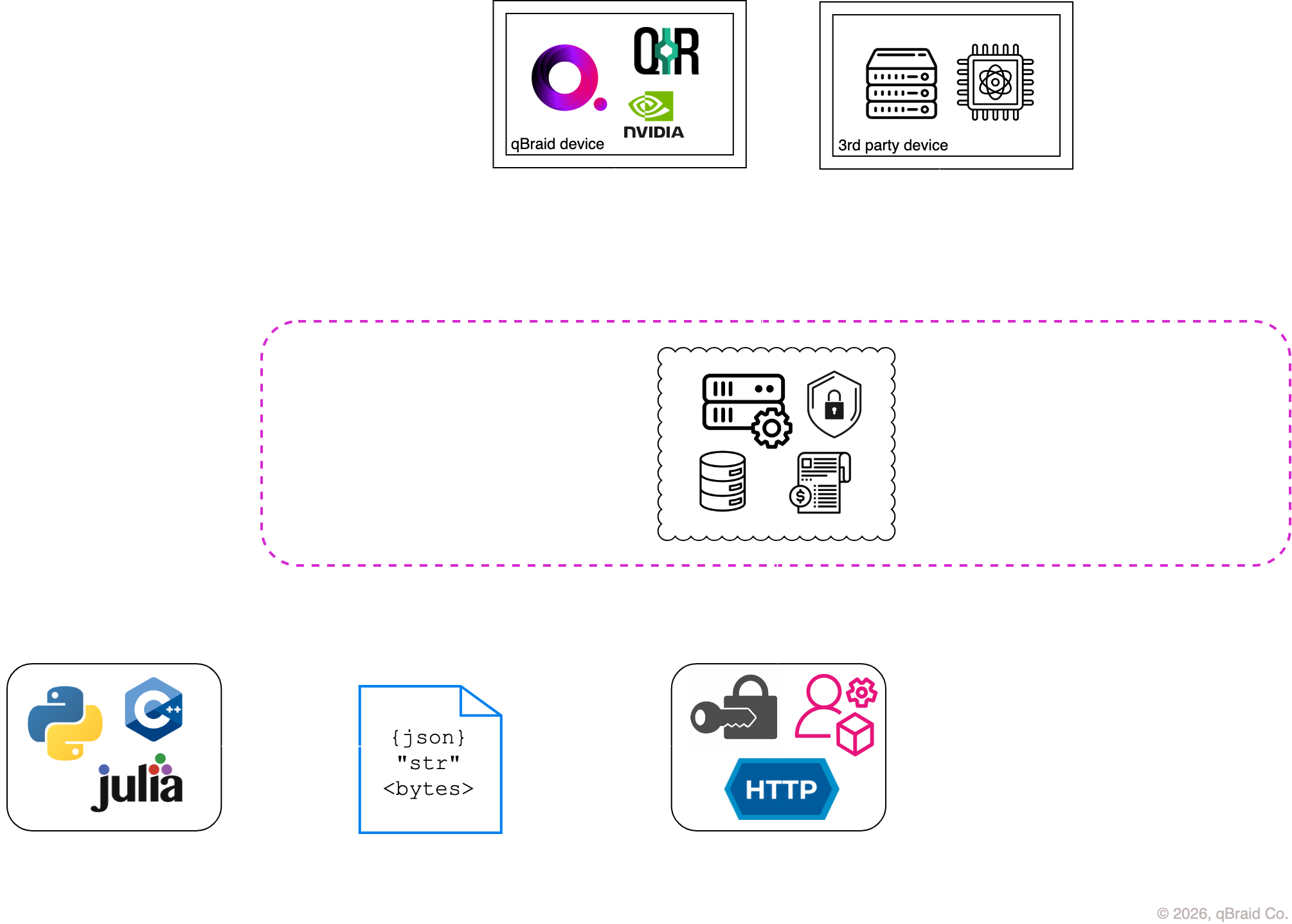
The diagram shows how an application converts a quantum program to an intermediate representation (IR), submits it through the qBraid API, and receives results from a quantum backend.
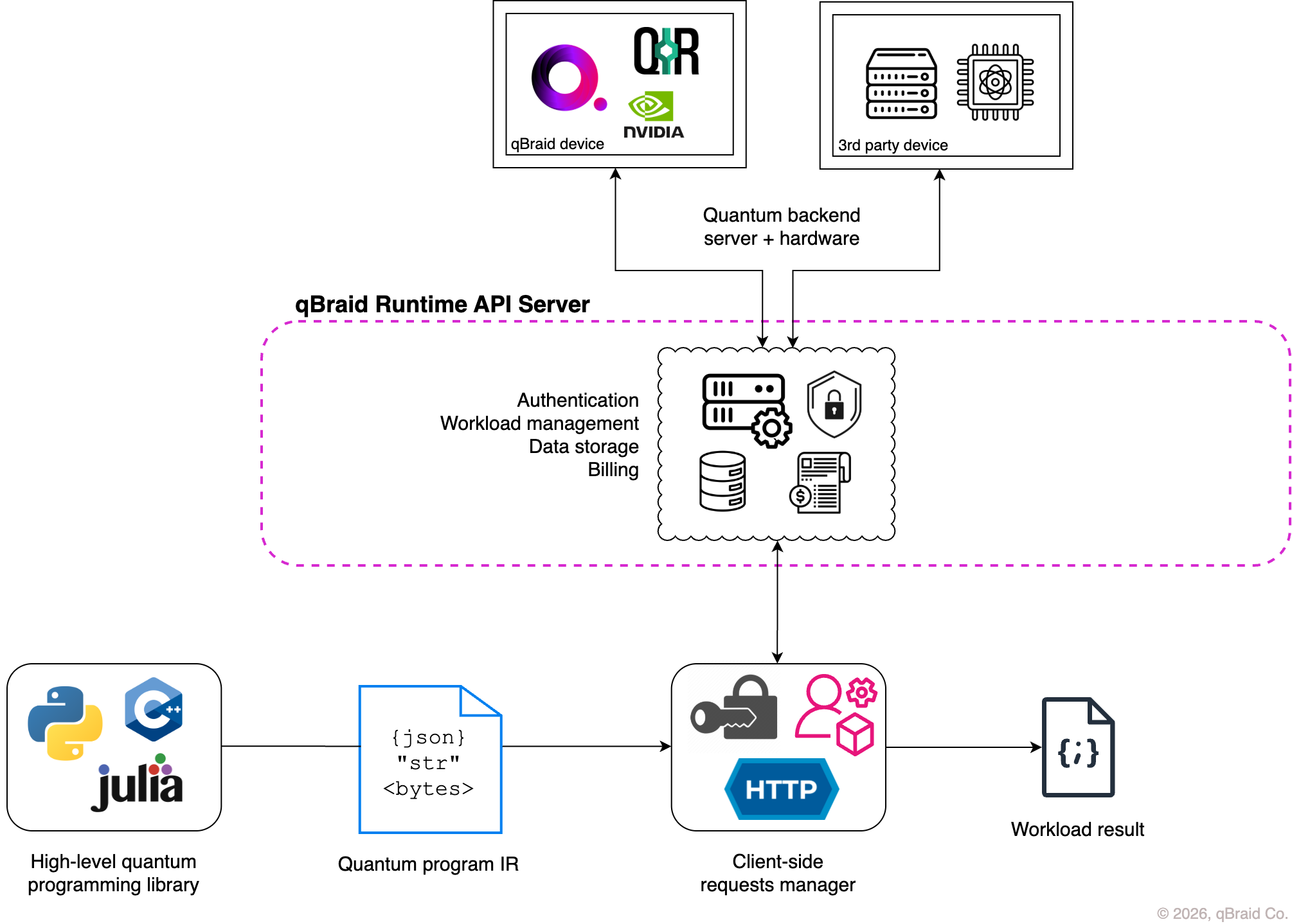
For a client-side view of how the qBraid-SDK integrates with the qBraid API see the Runtime overview in the SDK docs.
Rate limiting
The shared rate limiter uses request-method and path counters, scoped to an IP address, user, organization, or user within an organization. The default window starts with the first request and expires after 15 minutes. Individual routes and organization configurations can override these defaults.
| Tier | Window | Max requests |
|---|---|---|
| Unauthenticated (IP) | 15 min | 100 |
| Authenticated user or organization | 15 min | 1,000 |
Exceeding the applicable limit returns HTTP 429 (Too Many Requests). Read the response rate-limit headers and wait before retrying. Authentication does not bypass endpoint-specific limits.
Higher rate limits for your organization are available upon request.
Using the SDK and CLI
The qBraid SDK and CLI wrap most of these endpoints. They handle authentication, the { success, data } response envelope,
pagination, and retries. Use the REST API when you need
something the client doesn’t cover.
Install with pip install -U qbraid qbraid-cli, then run qbraid configure once
with an API key.
| To do this | CLI | Python SDK |
|---|---|---|
| Submit & track jobs (incl. batch groups) | qbraid jobs | QbraidProvider, device.run(), GroupJobSession |
| Browse devices & calibrations | qbraid devices | provider.get_devices(), provider.get_device() |
| Check credits & account | qbraid account credits | QbraidSessionV1 |
For any endpoint without a dedicated wrapper, QbraidSessionV1 (from
qbraid_core) is an authenticated session. Call methods such as .get() and .post()
against the API. The session sets the X-API-Key header.
Thanks for your feedback.